
Records software for athletic trainers.
Sign athletes in, log treatments, write evaluations, manage concussions and build home exercise programs, all in one app. Your records stay encrypted on your own computers.
Paid once, no subscription · Mac and Windows · iPhone app coming soon
- Kept at your schoolEncrypted on your own computers
- No yearly fees$499 or $999 once, with updates until 2.0
- Works offlineNo internet, no accounts
- Mac and WindowsiPhone app coming soon
Tour
Here's Lulu EMR in two minutes.
How it fits your day
From sign-in to return to play.
Each athlete has one record that follows them from the first visit to the end of the season.
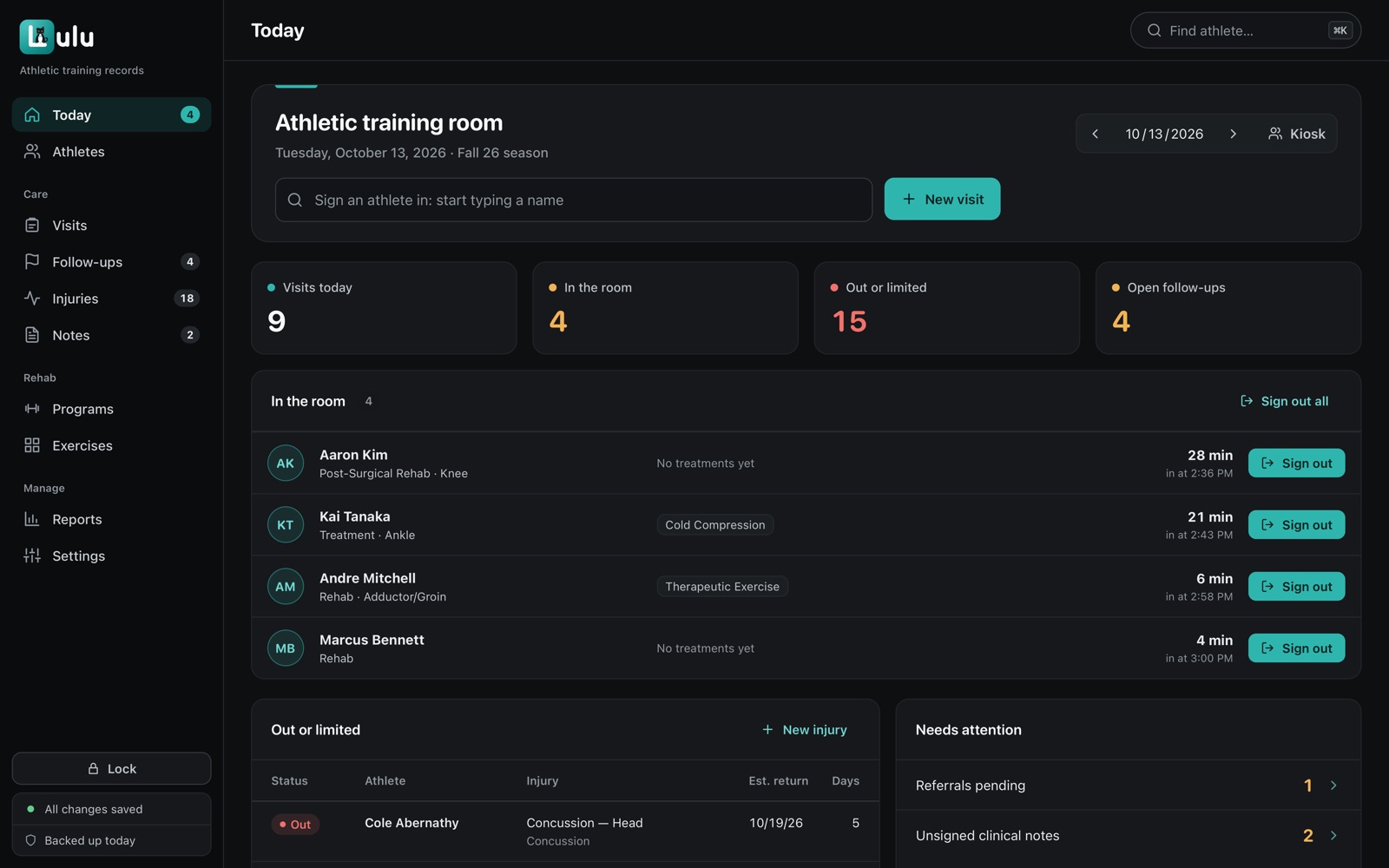
- Sign inAthletes check themselves in at the kiosk. It never shows anyone's records.
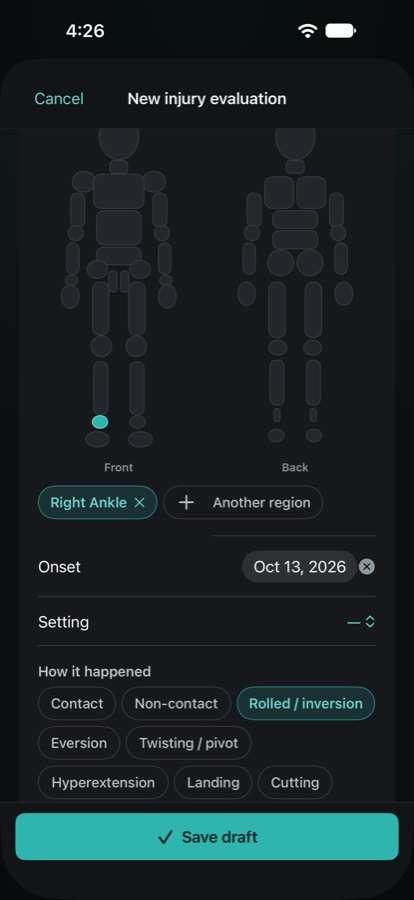
- EvaluateTap where it hurts on the body map, add your findings and sign the note.
- TreatLog a treatment for one athlete, or for everyone in line at once.
- RehabBuild a home program from 229 exercises and keep track of each session.
- ReturnWork through return-to-learn and return-to-play, then clear the athlete to full.
What it does
Made for the way a training room works.
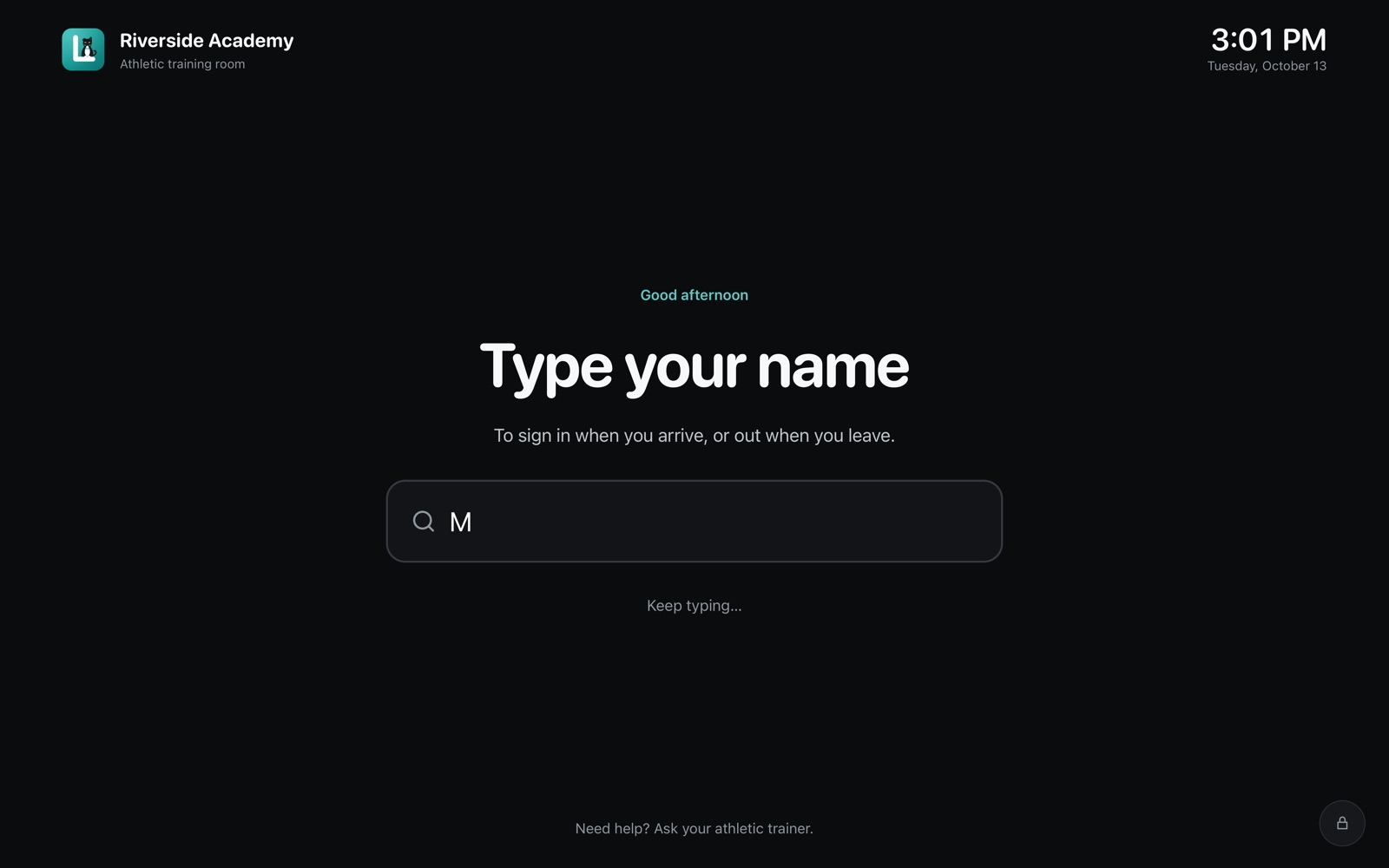
Athletes sign themselves in
They type the first two letters of their name, tap it and pick why they came in. No line at the clipboard.
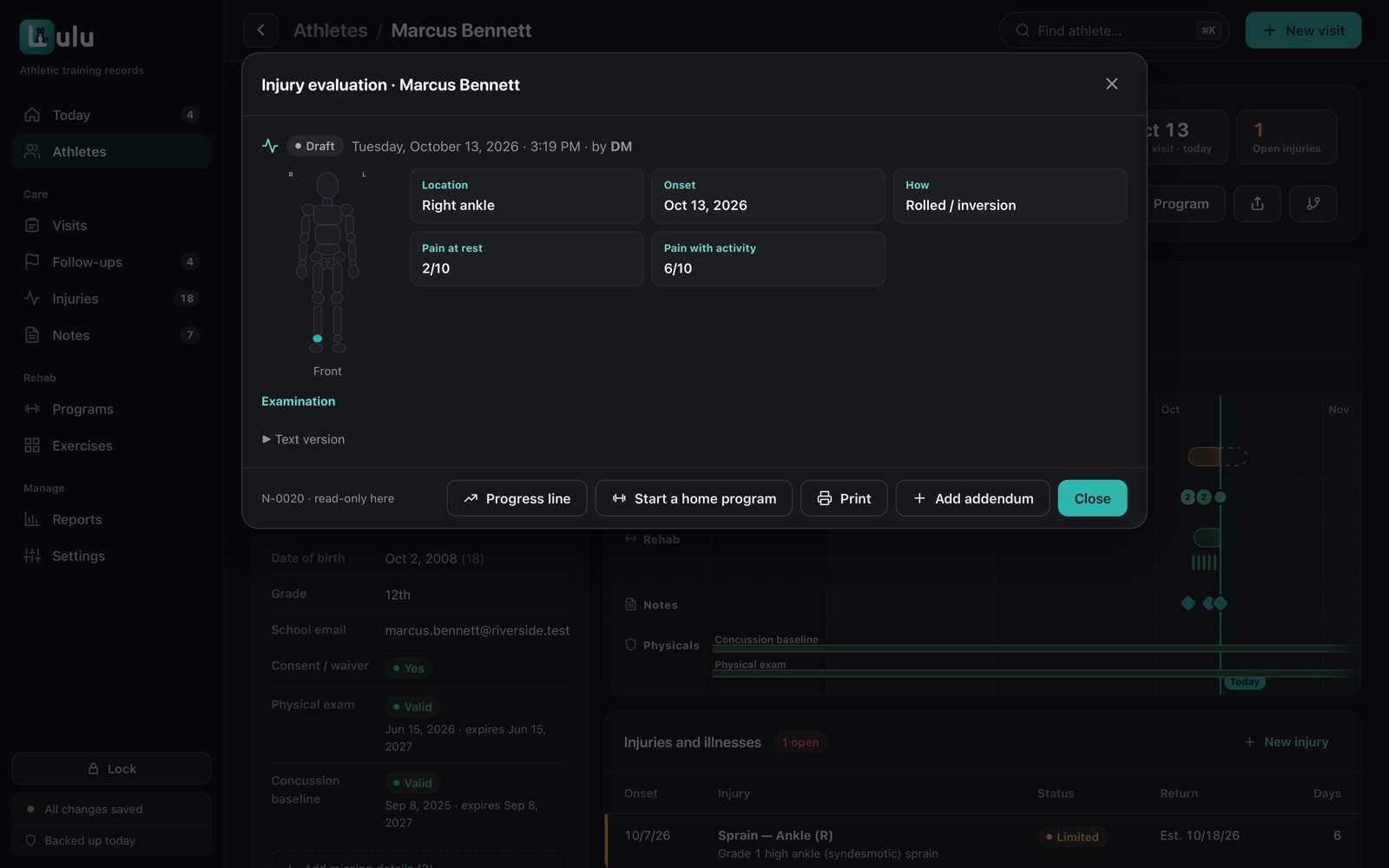
Notes that follow the exam
Tap where it hurts and choose what you found, and Lulu EMR writes the note from that.
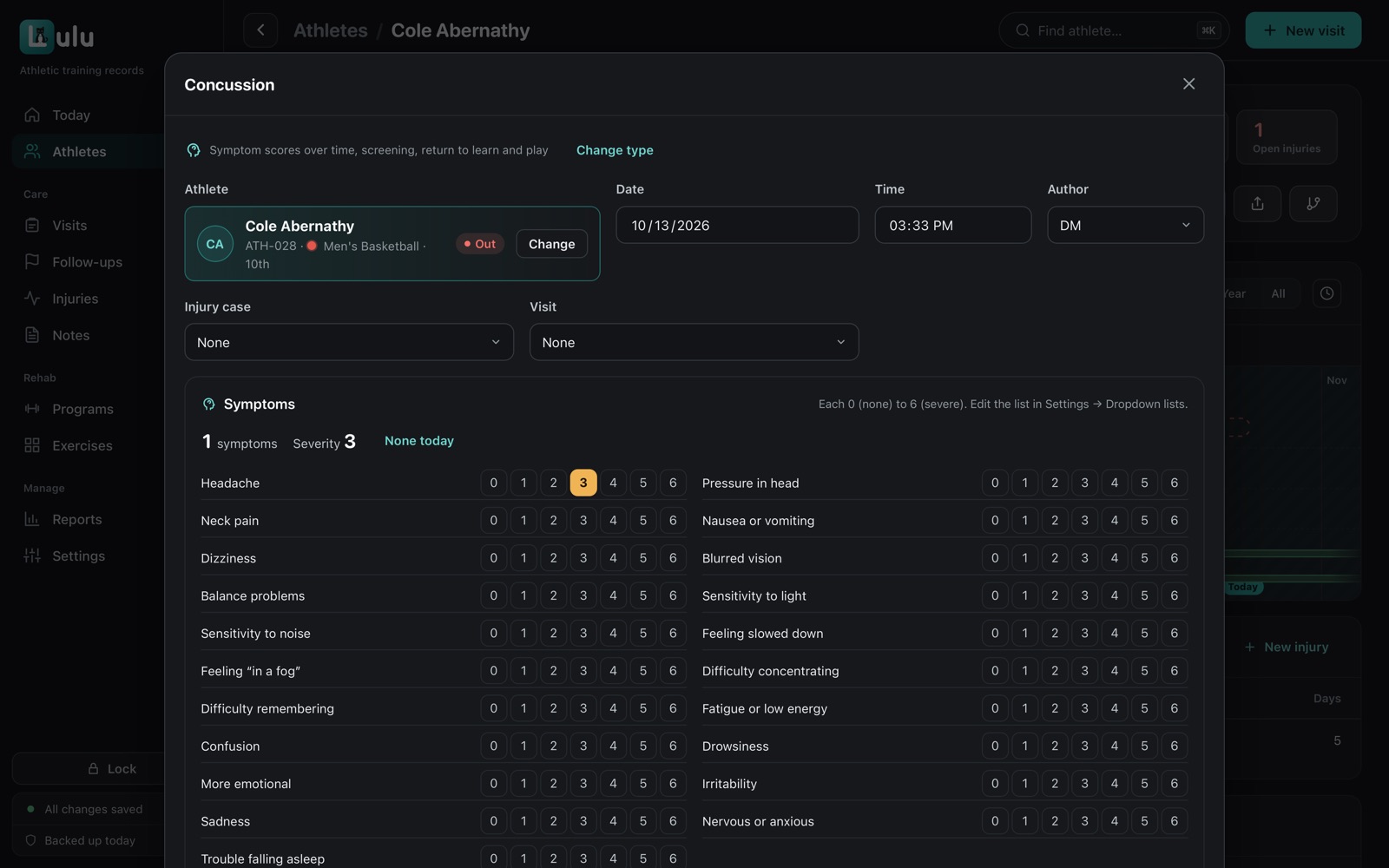
Concussion care, one stage at a time
Score symptoms at each check, and sign off each return-to-learn and return-to-play stage as the athlete passes it.
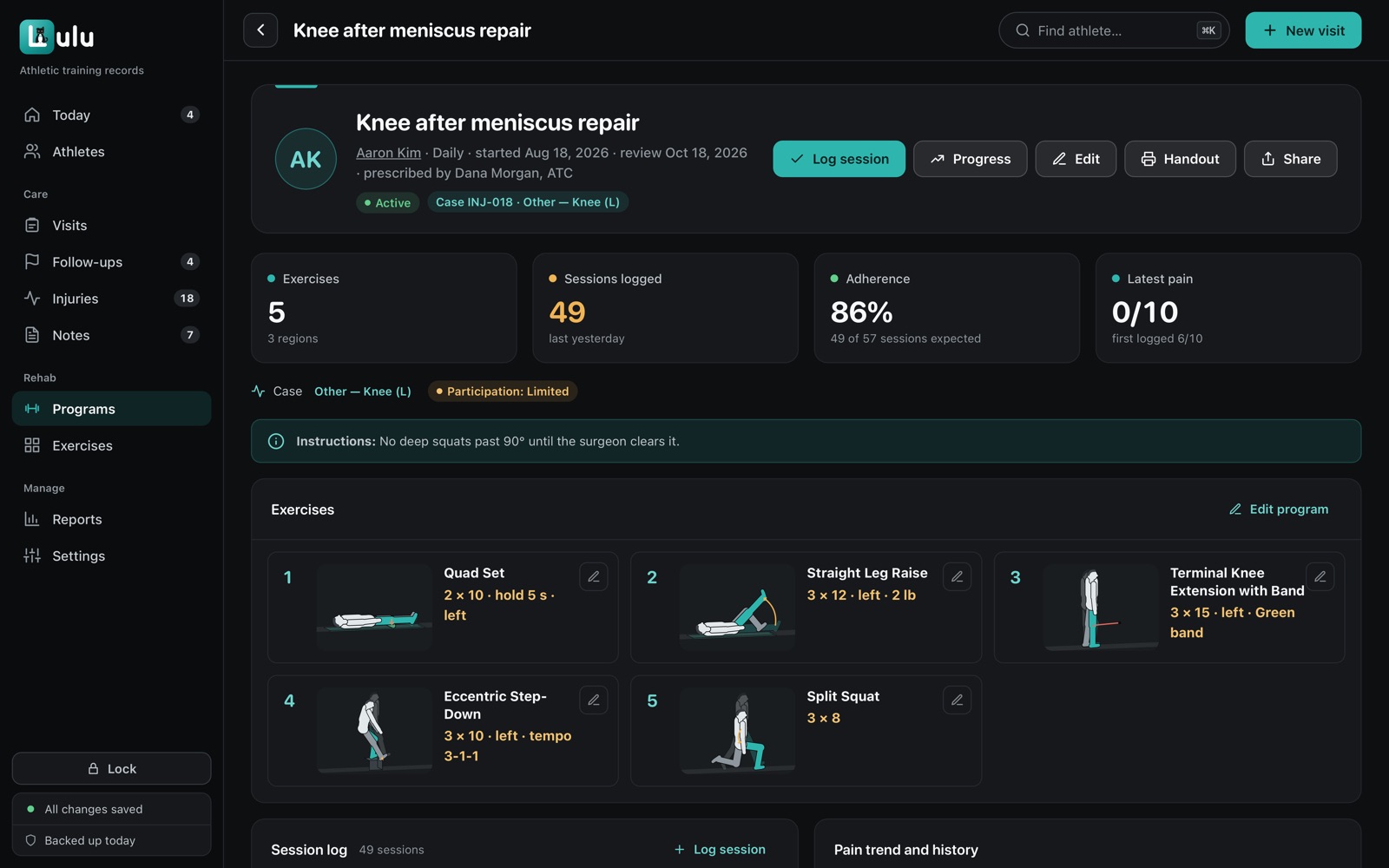
Home programs in minutes
Pick from 229 exercises, each with an animated figure. Print the handout or send it to the athlete's school email.
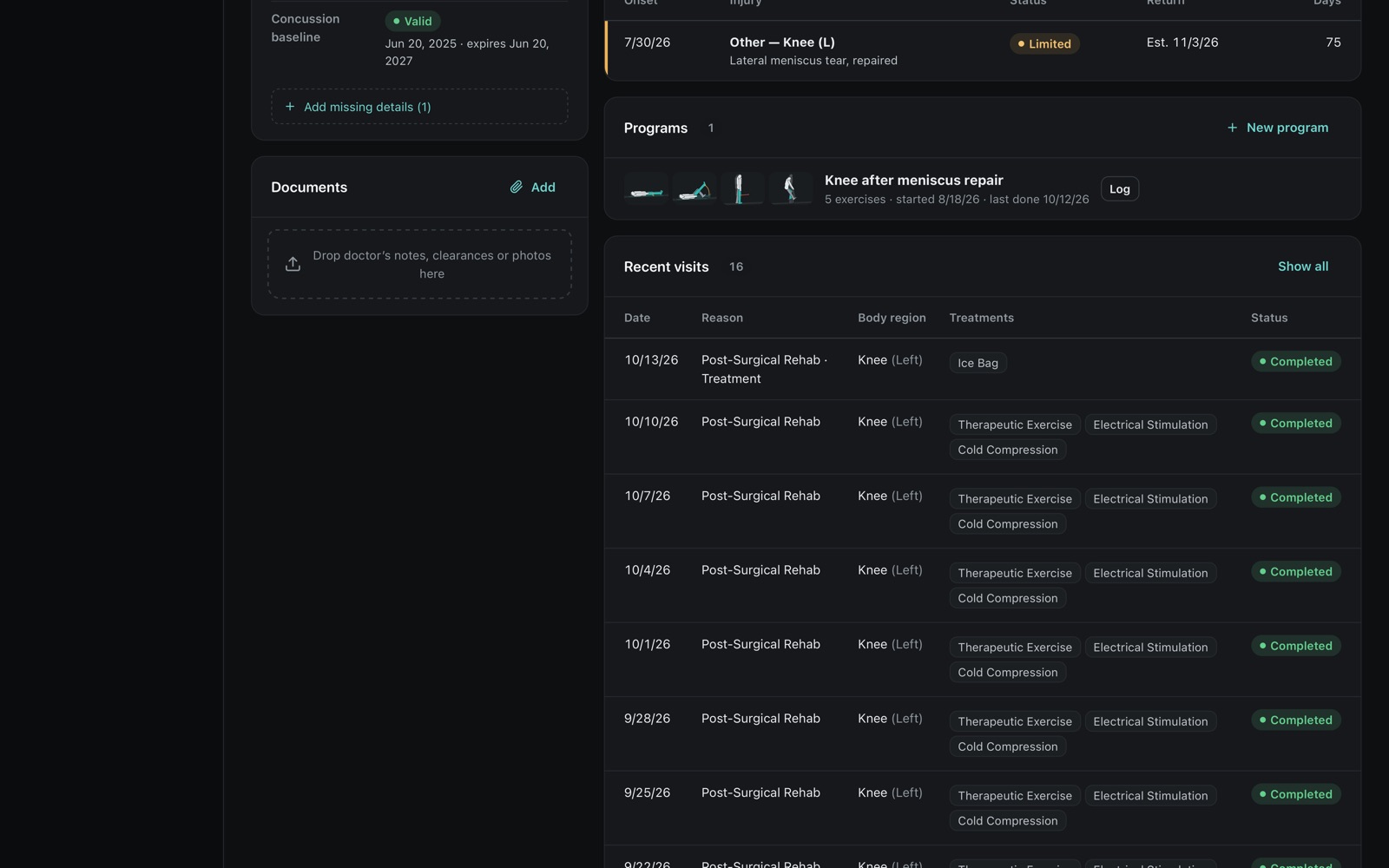
The whole season on one page
Each athlete's alerts, injuries, visits, notes and rehab sit on a single timeline.
Reports your AD can use
Count visits, injuries and time spent by season, team or date range, and export them without names.
For your whole school
For the people who use it, and the people who approve it.
Athletic trainers use it every day. Here's what athletic directors, business offices and IT usually want to know.
Athletic trainers
Quicker sign-ins, notes built from your exam, and home programs you can put together in a few minutes.
Athletic directors
Signed concussion and return-to-play steps, notes that can't be quietly changed, and reports for each season.
Business offices
You pay once and there's nothing to renew. We take purchase orders and fill out vendor forms.
IT departments
There's no server to run and no firewall change to make, and student data stays in the building.
Security
Student health records stay with your school.
Every record stays on computers your school controls, encrypted and locked. We never see any of it.
- Records, documents, backups and exports are all encrypted.
- There's nothing online to break into. No website login, no cloud copy, and the app never connects to the internet.
- Signed notes lock, every edit is kept, and every share is logged.
- Lulu EMR backs itself up every day, and it can keep an encrypted copy in your school's OneDrive.
What this means for your school
- Who can open records
- Your staff, with Touch ID, Windows Hello or Face ID
- Where they're kept
- On your school's computers
- What we can see
- Nothing. Student data never comes to us
- If a laptop is lost
- Records are encrypted and locked
- If a computer fails
- Restore from encrypted backups
- Needs the internet
- No
Pricing
Paid once, not every year.
Individual license
- 1 computer and 1 athletic trainer
- Mac or Windows (an iPhone app is coming soon)
- Every feature included
- All updates and email support until 2.0
- $249 to upgrade when a new major version comes out, if you want it
Group license
- 4 computers and up to 4 athletic trainers
- Mac and Windows (an iPhone app is coming soon)
- Every feature included
- All updates and email support until 2.0
- $499 to upgrade when a new major version comes out, if you want it
Either license is yours to keep. Checkout is through PayPal, and you can pay by card without a PayPal account. Using a purchase order? Request a quote.
What it costs over five years
Five years of one Group license (up to 4 athletic trainers). The second line assumes two new major versions come out in that time and you buy both $499 upgrades, which is up to you. The subscription is just an example for comparison.
New major versions (2.0, 3.0 and so on) are optional upgrades: $499 for a Group license or $249 for an Individual license. More about pricing
Getting started
From purchase to your first athlete.
Buy
Pay online through PayPal, or ask us for a quote if you're using a purchase order.
Download
Download Lulu EMR for Mac or Windows, install it, and activate it with the email you paid with. How to install
Start
The first time you open it, Lulu EMR walks you through your school's name, your trainers, backups and the roster.
Questions
Common questions.
Where are our records kept?
On your own computers, encrypted. Nothing is ever sent to us, and the app doesn't connect to the internet at all. For an off-site copy, Lulu EMR can save encrypted backups to a OneDrive folder you pick.
Which computers does it run on?
Macs with macOS 12 or later and 64-bit Windows 10 or 11. An iPhone app that pairs with the Mac app is coming soon.
Is it a subscription?
No. You pay once and it's yours: $499 for an Individual license or $999 for a Group license. That includes every update and email support until version 2.0. Upgrading to 2.0 when it comes out costs $249 or $499, and it's optional. The version you have keeps working either way.
What does one license cover?
A Group license covers 4 computers and up to 4 athletic trainers at one school or program. An Individual license covers 1 computer and 1 athletic trainer. Both come with every feature and no limit on athletes, visits or notes. Each computer gets its own key.
Who owns the records?
Your school does. They live on your computers, you can export them whenever you like, and they keep working whether or not you ever buy another version.
Can we try it first?
Yes. Download Lulu EMR and choose Try the demo on the license screen. It's filled with made-up athletes, so you can click around freely. To try it in your own training room with your staff, ask about a pilot.
Does Lulu EMR make us compliant with HIPAA or FERPA?
No. Software can't make an organization compliant on its own, and Lulu EMR doesn't claim to. What it does give you is a set of strong safeguards, explained on the Security page. How they fit your obligations is your organization's decision.
Want it in your training room?
Every license comes with every feature, on Mac and Windows. If you have questions first, just ask.